Derechos Digitales
Web Development · Custom WordPress — 2025
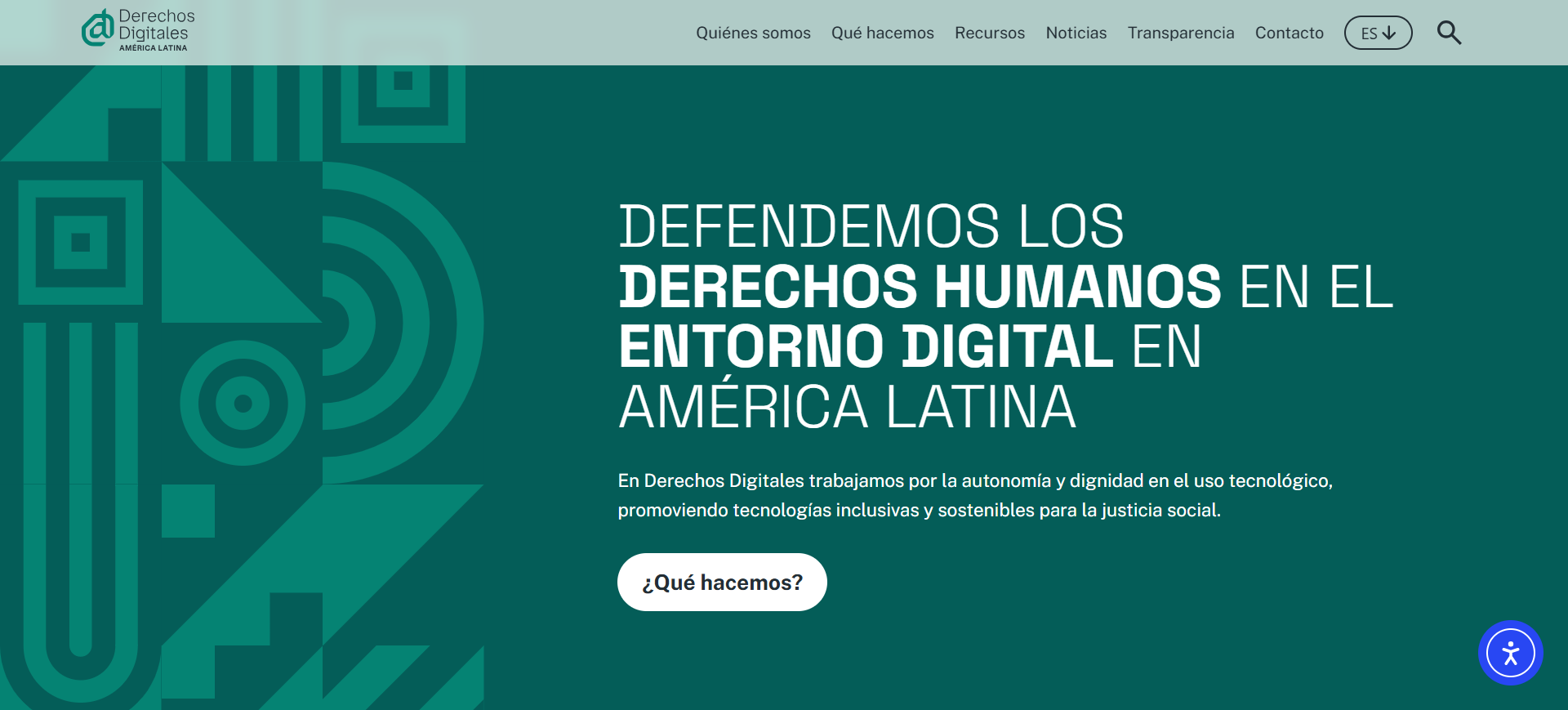
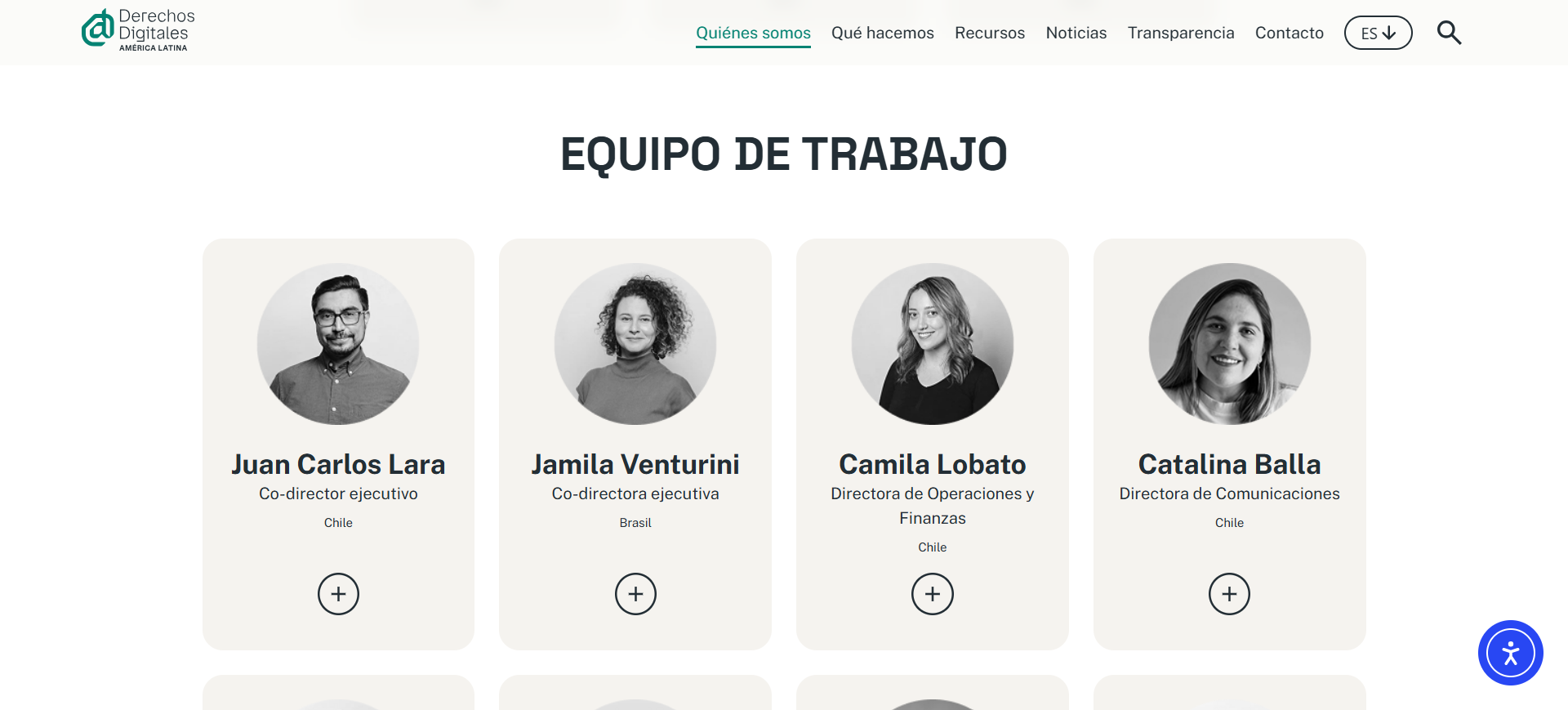
Redesign and custom content architecture in WordPress for a leading digital human rights organization in Latin America, with no dependency on third-party plugins. I worked on this project at El Maizal, the communications agency where I'm a partner, together with the client's communications team.
derechosdigitales.org → (opens in a new tab)Context
Derechos Digitales is a leading organization defending human rights in digital environments, with a presence across Latin America. Their previous site had fallen out of date: duplicated content, categories with no unified criteria, and a structure that reflected neither their current identity nor the scale of their work — over 2,300 entries accumulated across 3 languages.
The technical challenge
They needed to stay on WordPress — by their own choice, self-manageable — but with an architecture that could scale and organize thousands of content pieces without depending on plugins. That constraint wasn't arbitrary: as an organization that advocates for open source, avoiding third-party plugins was part of their stance, not just a technical preference.
My role
Custom theme development from scratch, content architecture, and full database migration.
Technical decisions
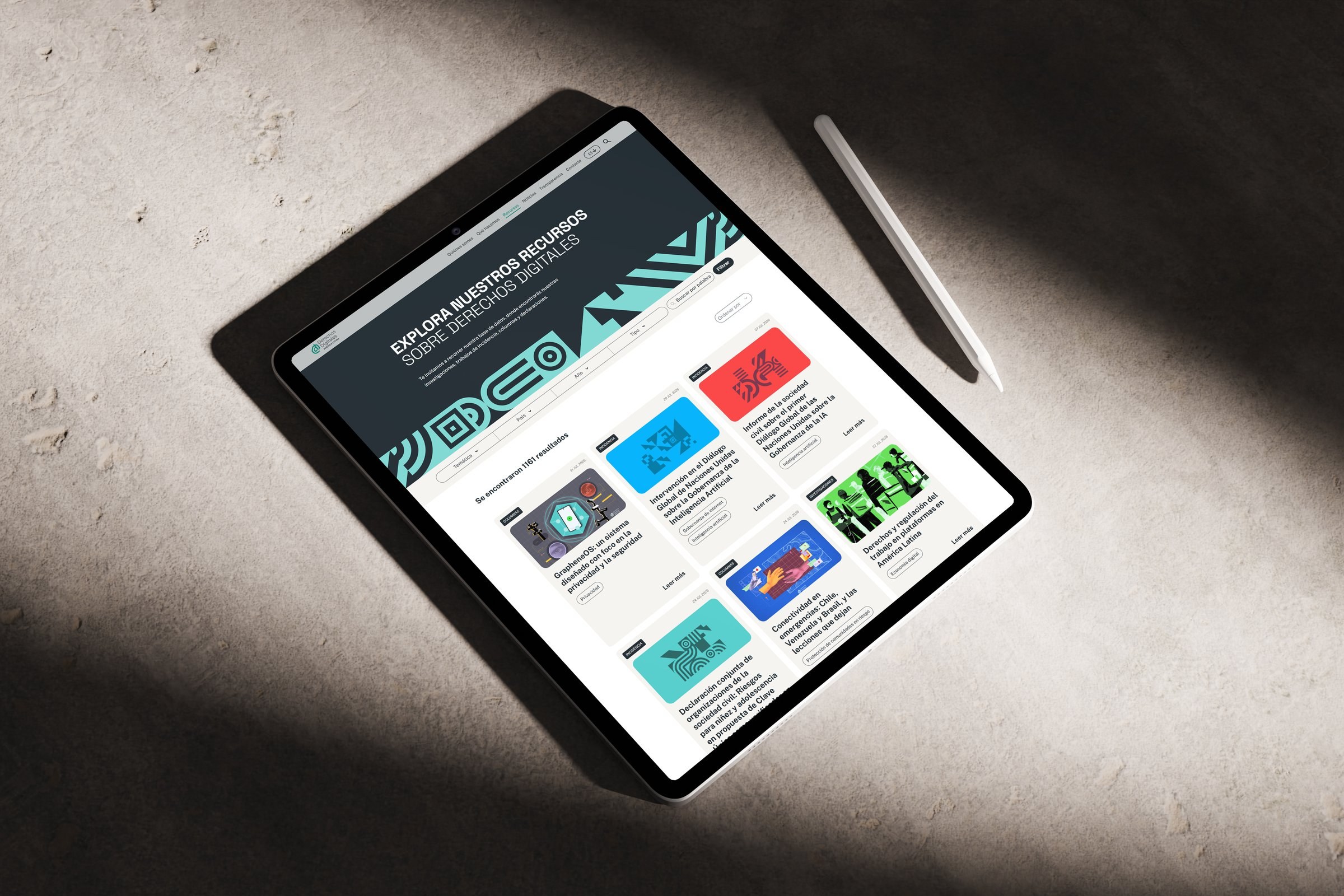
- Content structure: I designed 3 Custom Post Types (Resources, News, Annual Reports) instead of forcing everything into native posts. Resources, the most complex one, has its own taxonomies (Columns, Tools and Projects, Advocacy, Research) plus cross-classification by topic, country, and year — so the team can filter and cross-reference content without touching code.
- No plugins, with ACF: I built all the content type and taxonomy logic at the theme level, and used ACF so the team could edit every field without depending on me or external plugins.
- Multilingual: I implemented Polylang for the 3 languages, integrated with the custom CPT and taxonomy structure.
- Migrating 2,300+ entries: before migrating, I built the full database in Excel to work alongside the team — so we could fix missing information, incorrect data, and miscategorized content in parallel. Once the data was clean and normalized, I ran the migration via CSV.
Accessibility
The site includes a skip-link for keyboard navigation and a typography customization tool for end users. Contrast ratios and minimum sizes were checked against WCAG standards.
Have a project that needs this same attention to detail?